Quick Links
Money is important, whether it’s in real life or inThe Sims 4. Unlike real life though, it’s very easy in The Sims 4 to just have too much money. For example, you may acquire a huge sum of money from a recently wed spouse that moves into your home.
In this guide, we are going to take a look at how to get rid of money in The Sims 4. This will cover methods besides buying expensive items, as the value of your house still remains when you do this. Additionally, we will cover some cheats that you can use to lower your household funds.

How To Donate Money To Charity
If you are feeling extra benevolent, you candonate some extra cash to charity.The simplest way to do so is toclick on your household’s computer.Here, you will see the option to donate to a charity of your choice, as well as whatamount you want to donate.
You will need to haveCharisma level threein order to donate to an online charity! If your Sim has theGood trait,they will also be able to donate.

You will only be able to donate1,000 Simoleons at a time; while this may take a while to whittle down a huge stack of cash, it’s a great way to get rid of money whilekeeping a clear conscious.
Splitting A Household To Remove Funds
When a member of a household moves, they will be able tokeep a specified amount of money.This will leave the moved Sim with a portion of money taken from the main household.
To do this, select a Sim and then head to the travel menu of their phone. From here, you will see the option to"Split from Household and Move".

In the image above, you can seethe Stallkamp household after 30,000 Simoleons have been transferred to the new household.After doing this, you can play in either household, with each having a lower amount of money.
If you don’t want to lose a member of your household, you couldadd a ‘filler’ Sim to the household and have them immediately move awaywhile taking a large chunk of money.
How To Use Cheats To Get Rid Of Money
Lastly, let’s look at how to get rid of money using cheats. The easiest way to do this is with a cheat that lets youset the household funds.While this cheat can be used to make yourself rich, you can alsoset the total funds lower than what you currently have,which causes you to lose money.
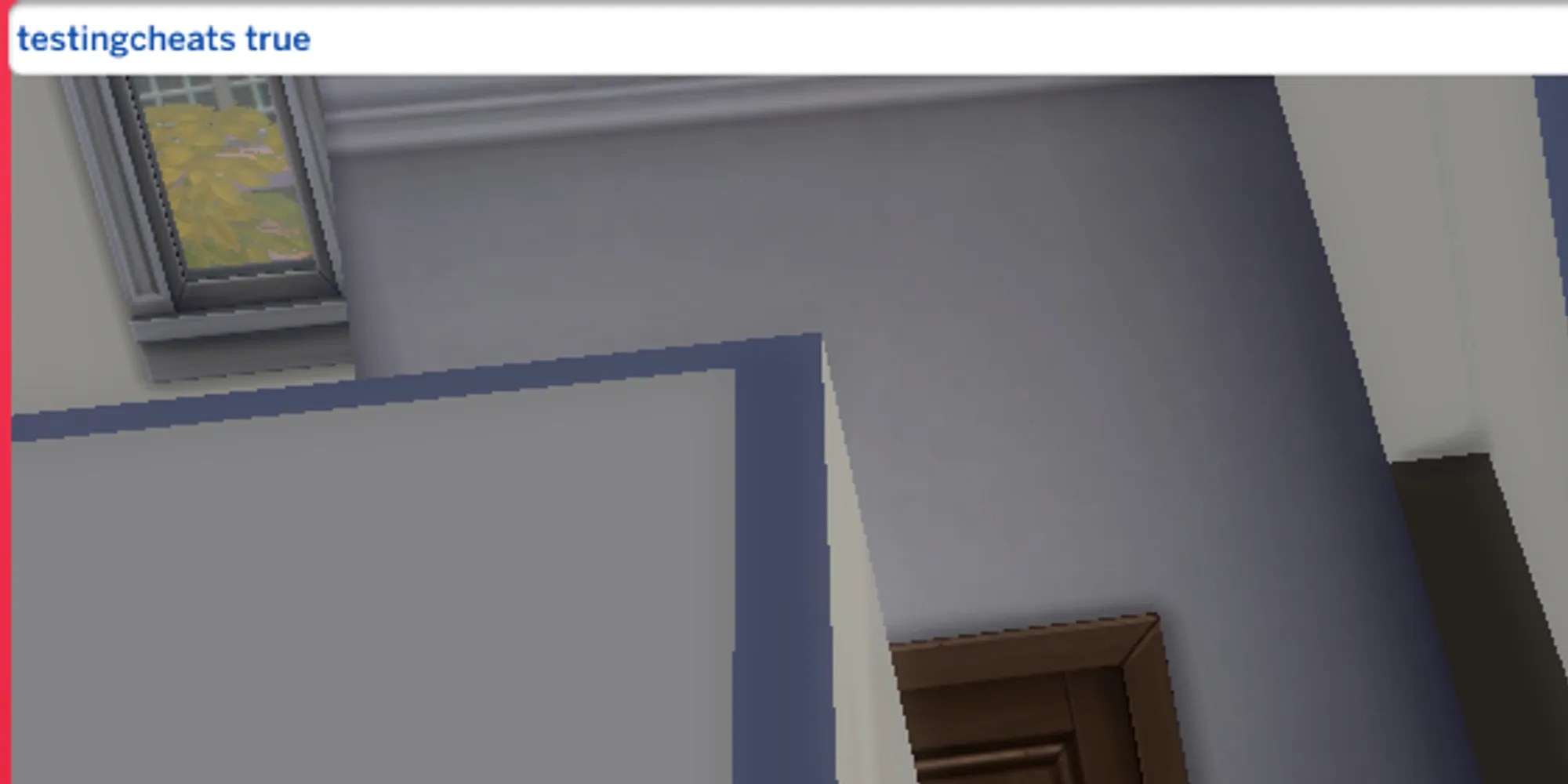
Before using this cheat, you will need toenable all cheats.First, press the following buttons depending on your console.
Console (Xbox and PlayStation)
All 4 Shoulder Buttons
Once you’ve done this, a white bar should open on your screen. Type the following into this bar.
After pressing enter, you can now use the money cheat! Thankfully, this cheat is simple and easy to remember. All you need to do istype “Money” followed by the desired Simoleons that you want.Below, you can see an example that leaves the household with1,000 Simoleons.
The number can be as low as you want, sending your Sims into a frugal panic.
