Quick Links
While playingThe Sims 4, your Sims can join a wide variety of careers. In both the base game and with expansion packs, the working world is at your fingertips. Once your Sim has a job, they can increase skills and do work-related tasks in order to earn a promotion.
Related:The Sims 4: Work Events, Explained
While this is the simple and moral way to progress in a career, you may also use a variety of cheats to make your way to the top of a career path. In this guide, we are going to take a look at these cheats and how to use them. First, let’s look at how to enable cheats in The Sims 4.
How To Enable Cheats In The Sims 4
To use career cheats, you will first need toenable cheats on your platform.Below, you can check out how to do so.
Console (Xbox and PlayStation)
All 4 Shoulder Buttons
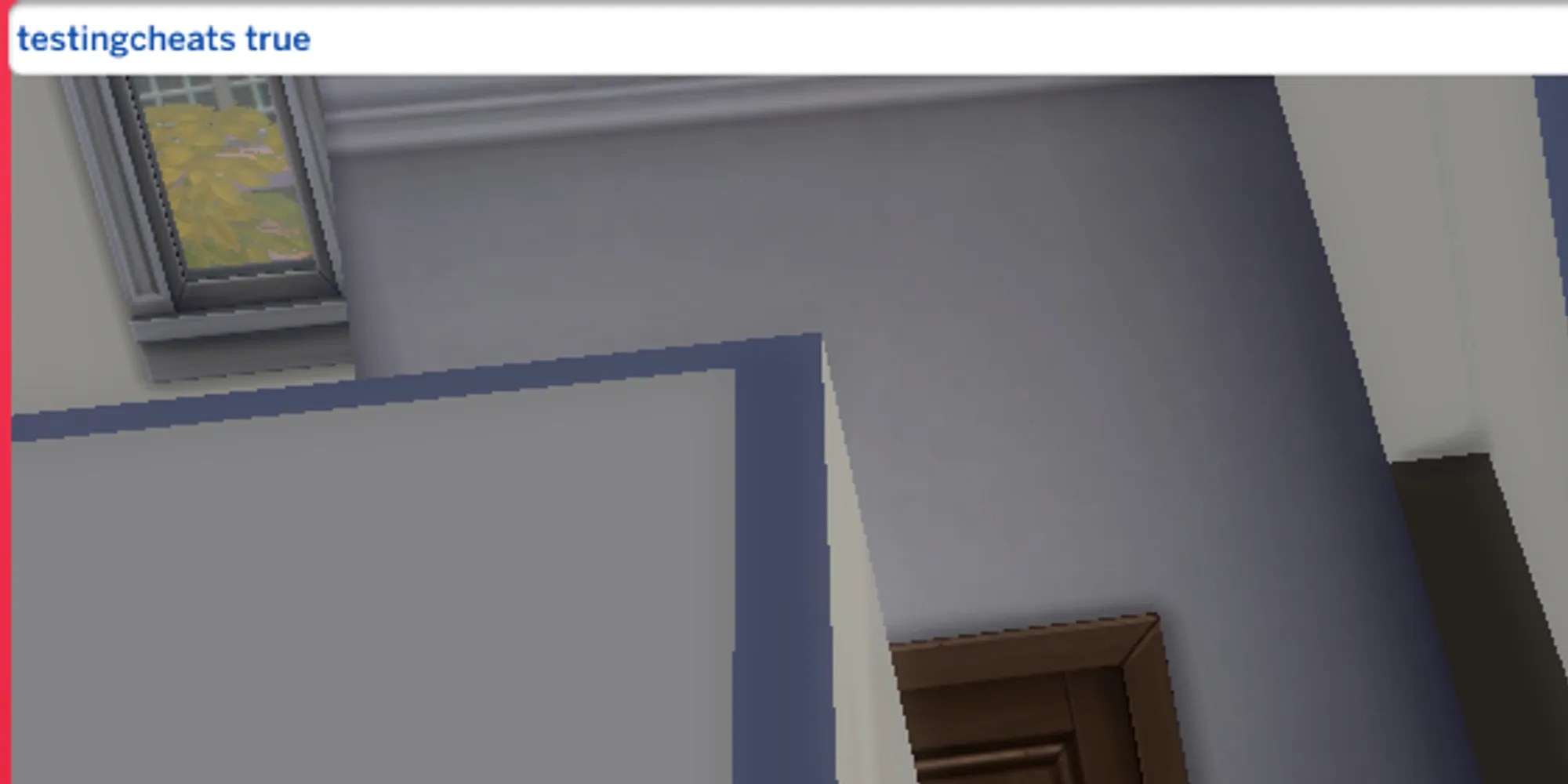
After performing the appropriate action, awhite command bar should appear on your screen.From here, type the following.
Once this is done, cheats are enabled! You will now be able to use cheats in the game, as well as view an extended menu when shift-clicking on Sims.

Career Cheat Names
Each career in the game has an associated ‘cheat name’, which is whatyou will type in to specify the job.These names are pretty simple, however, it’s important to pay attention to spacing and capital letters;they need to match exactly, or the cheat won’t work.
Below, you can check out the career names used in cheats.

careers_Adult_CivilDesigner
careers_Adult_Freelancer_Agency_Maker

careers_adult_Critic
careers_Adult_Education

careers_Adult_Engineer
careers_Adult_Law
adult_active_Scientist
adult_Writer
career_Volunteer_E-Sports
careers_Volunteer_SoccerTeam
How To Get A Promotion With Cheats
Getting a job is simple; you can do it straight from your phone. Once you have a job, you can use a simple cheat to earn a promotion.
By using this, you will advance one level in your career regardless if you meet the qualifications or not. Let’s take a look at the Athlete career as an example. If you wanted an instant promotion, you would type in the following to the command bar.
This alsoworks for part-time jobs.Although there aren’t typical levels in a part-time job, you will be able toincrease your pay.
How To Add & Remove Jobs
Whileit’s easy to get a job and quit, there are still some cheats that can do this as well. Below, you can see the cheats used to do both.
careers.add_career [CareerName]
careers.remove_career [CareerName]
How To Retire From A Career With Cheats
Lastly, let’s take a look at how to retire using cheats. When your Sim becomes an elder, they may gain the ability to retire, earning their base pay each day. Toforce this retiring process,you can use the following cheat.
Sometimes, the retire option is bugged and doesn’t appear on your Sim’s phone. If this is the case,the cheat above will still work.
